Morning and evening
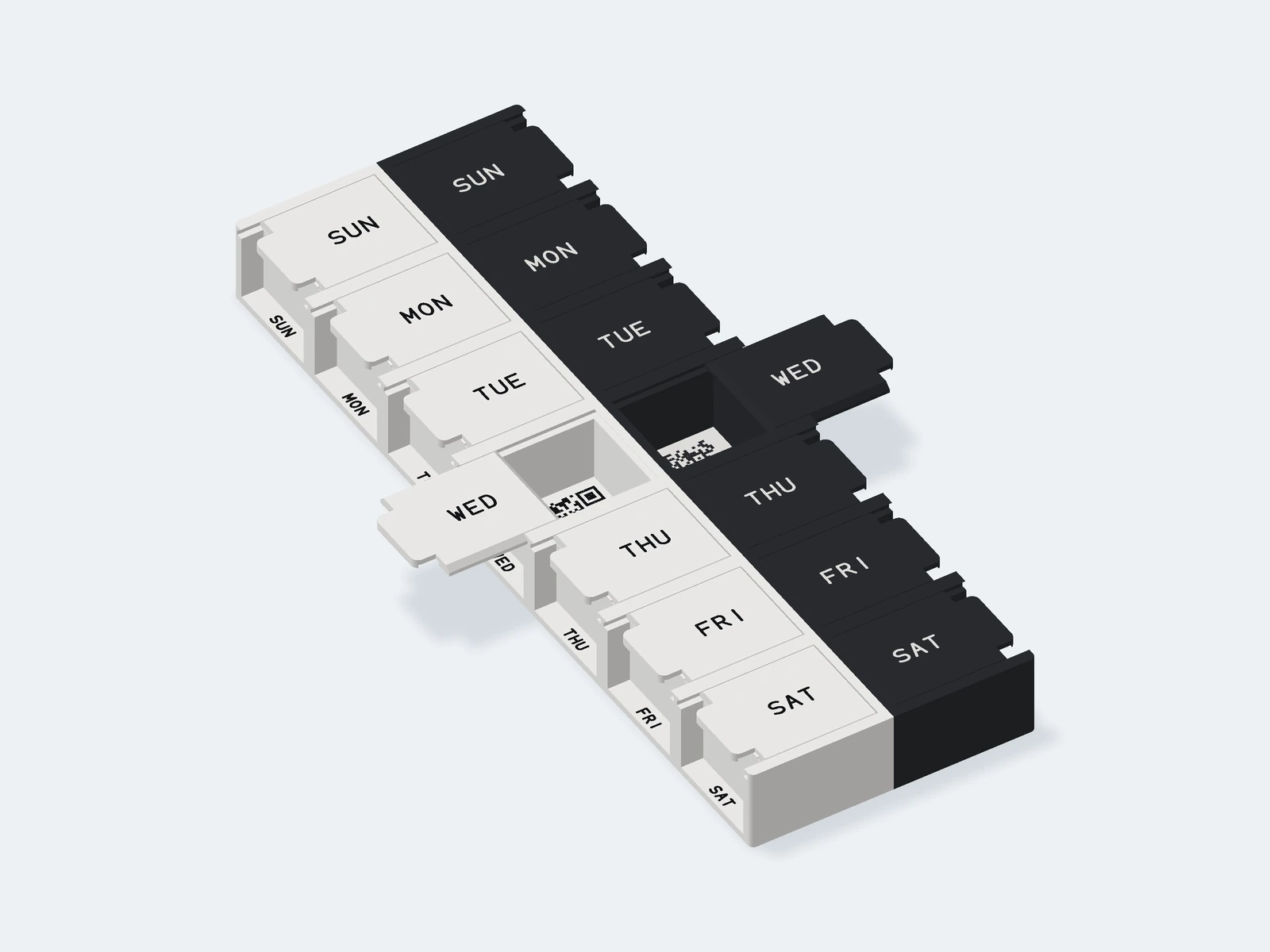
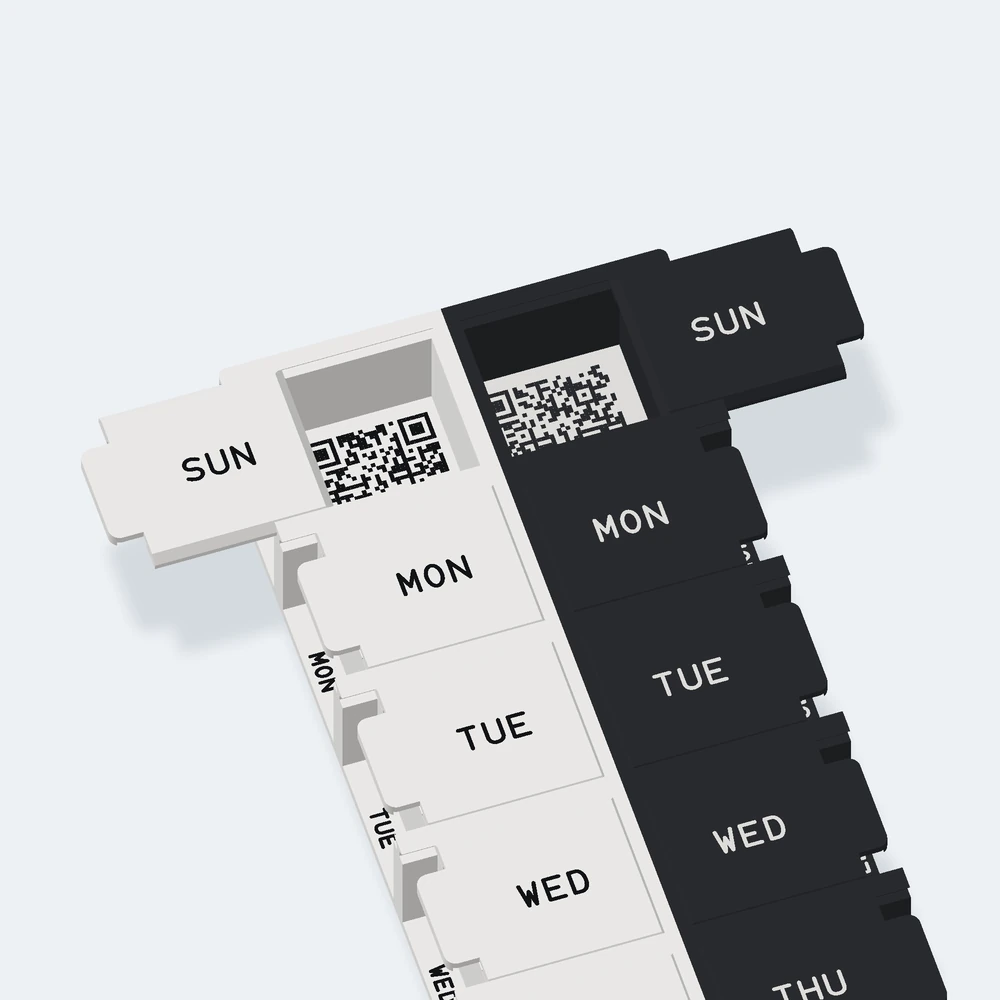
A white row for morning and a black row for evening in one print, each day’s evening beside its morning. Two organizers in one piece, each set up on its own.
- 14 compartments
- About 225 × 77 × 22 mm
A weekly pill organizer, Sunday to Saturday, with a QR code on each compartment floor. Made for the same scan-and-record routine as the app, in three versions: morning and evening in one piece, or a single row for one dose a day.
Print your own today: the print files are free, with your own QR codes made in your browser. Get the print files. No 3D printer? We plan to sell them ready-made. Ready-made organizers
A white row for morning and a black row for evening in one print, each day’s evening beside its morning. Two organizers in one piece, each set up on its own.
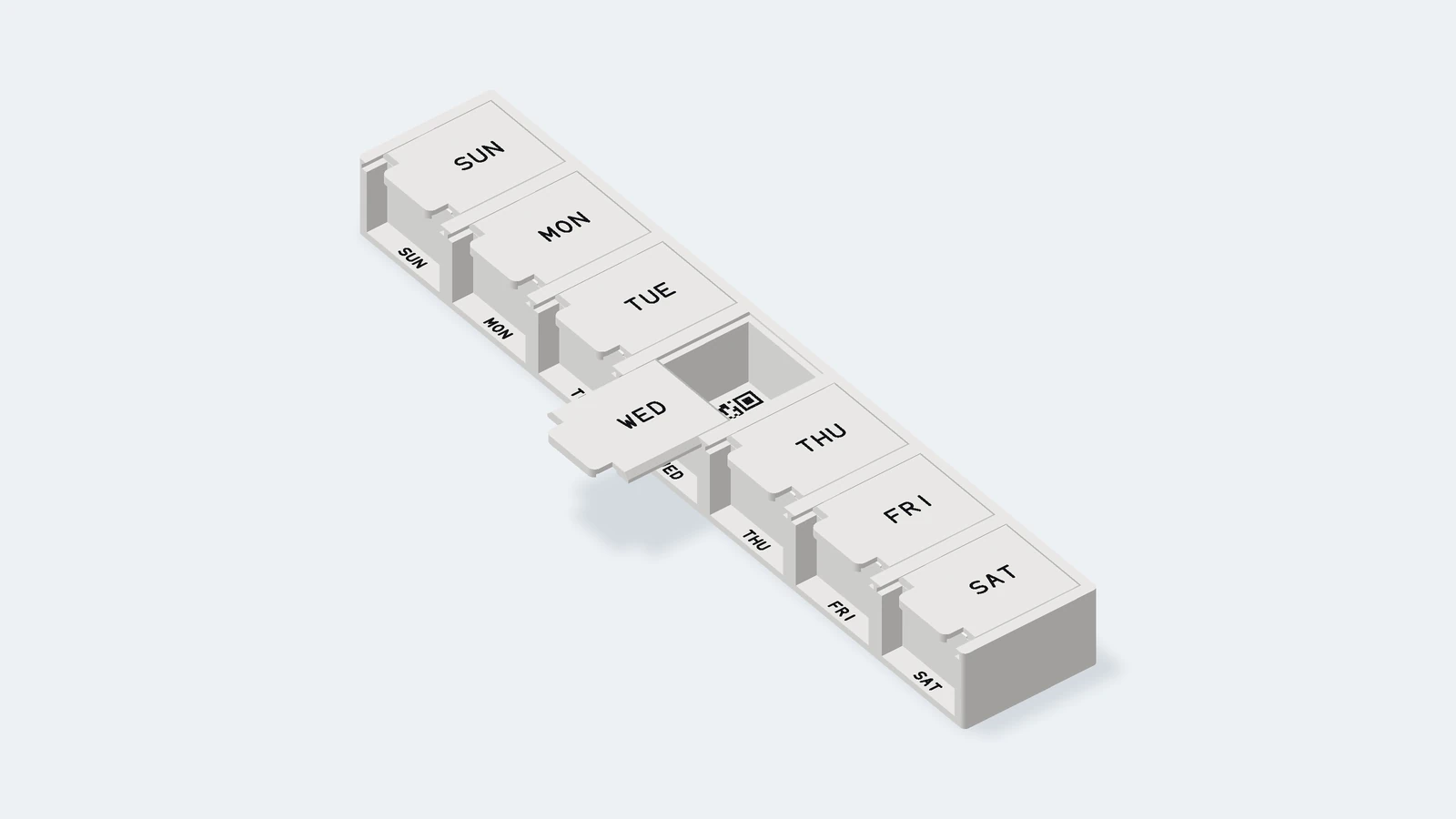
One white row, with black day names, for a dose a day.
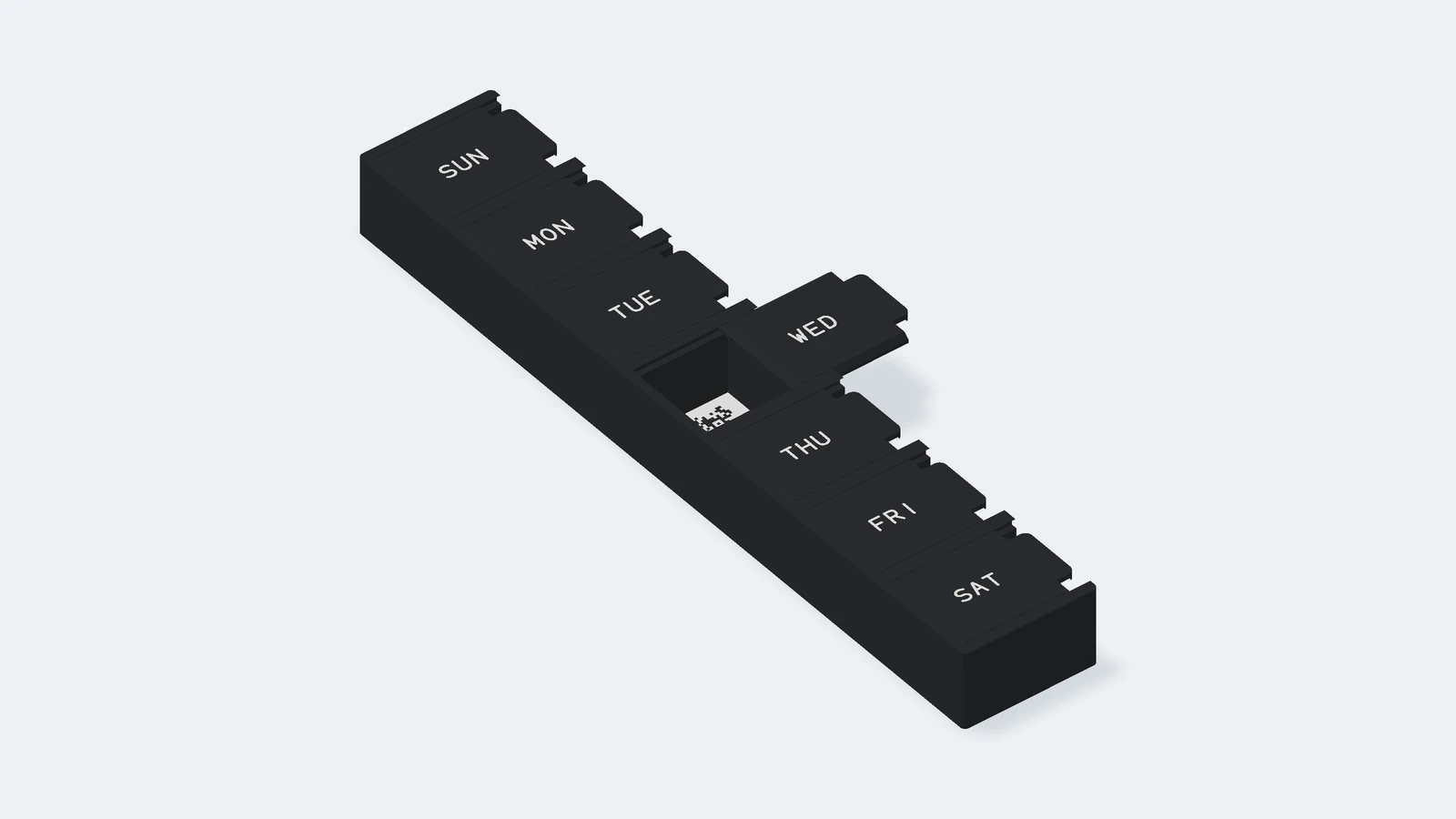
One black row, with white day names, for a dose a day.
These are 3D renders of the design, not photos. The demo QR codes in these images open our website; they don’t pair an organizer or record a dose.
Lift the tab on the day’s lid and slide it out to its stop. Take your dose, then scan the code on the compartment floor with the Pesky Pill app to record your check-in. Slide the lid back until it clicks. The lids stay on while you use it, with no hinges, screws or other hardware, and come off for cleaning.
Keep it long side up, with Sunday at the top: the day names read that way. On the two-row print, morning is on the left and evening on the right, so each day’s two compartments sit side by side.
In the app, go to Settings → Printed organizers, tap Add organizer, choose who it’s for and which dose it holds, then scan any code on it. On the two-row print, each row is its own organizer: set up one, then the other. Pairing doesn’t record a dose, so you can set it up while you fill it. Scanning an organizer that isn’t set up records nothing. Reassign or unpair one in Settings → Printed organizers.
A scan records a check-in, not proof that medicine was taken.
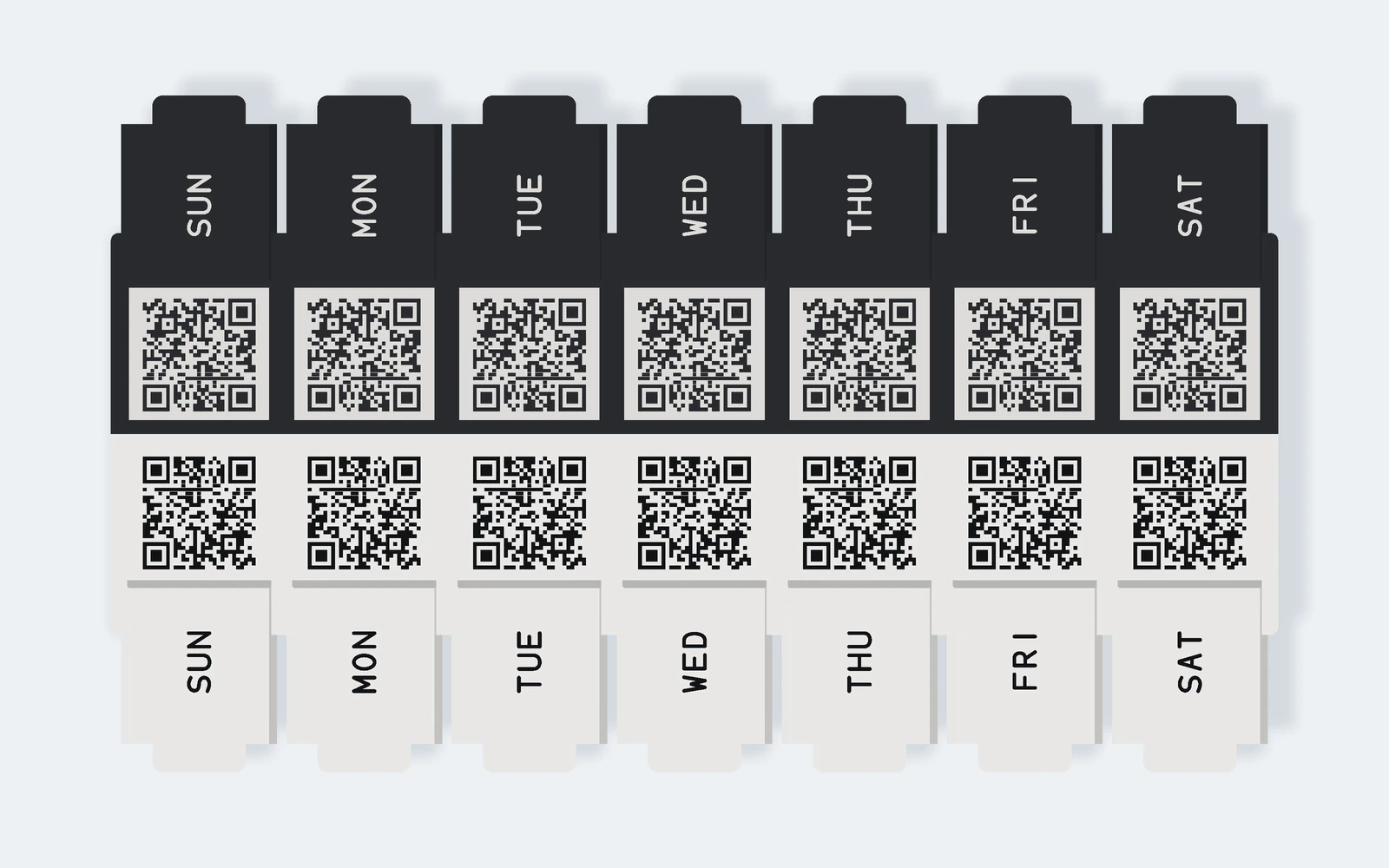
Each download is a new organizer, with its own QR codes made in your browser. Nothing about it is sent to us or anyone else.
The general files should work on other printers that print two colors in one job, but the X2D is the only one we’ve printed them on. On it, the morning and evening print takes about 7½ hours, with 75 g of white and 71 g of black filament. A single row takes about 2¾ hours and 70 g. Yours will vary with your printer and settings.
Printed on both ends of each row, so two people’s organizers don’t get mixed up. Up to 3 letters, A to Z. They add a color change to every layer they’re on: little extra time on a printer with two nozzles, more on one that swaps filament in a single nozzle. They stay in your browser and go only into the files.
Every download has its own QR codes. Download once for each organizer you’ll print.
No 3D printer? We plan to sell ready-made organizers, printed by us, so you can order one instead. They aren’t available to order yet, and there’s no date or price yet. We’re still testing how the organizer holds up over time.
Leave your email on the beta page to hear Pesky Pill news, including when they’re available.
We print ours in Bambu Lab PLA Pure, a PLA filament whose ingredients, pigments included, meet the EU’s standard for plastics that touch food (EU 10/2011).
You don’t need one of ours. The iOS app can generate personalized QR codes to print and place under the matching lids of your own weekly organizer.
See how the app worksKeep the files to yourself until you’ve set it up: an organizer belongs to the first account that sets it up. In the app, go to Settings → Printed organizers and tap Add organizer. For the two-row print, set up one row at a time. Each row has a serial number underneath, and the app shows the same one, so you can tell them apart. The download’s README has every step.
The print files are free under CC BY-NC-SA 4.0: print and change them for yourself, credit Pesky Pill, and share any changes under the same license. Don’t sell them or prints made from them. A shared file’s codes work for only one household, the first to set it up.